 SnapSliver
Content
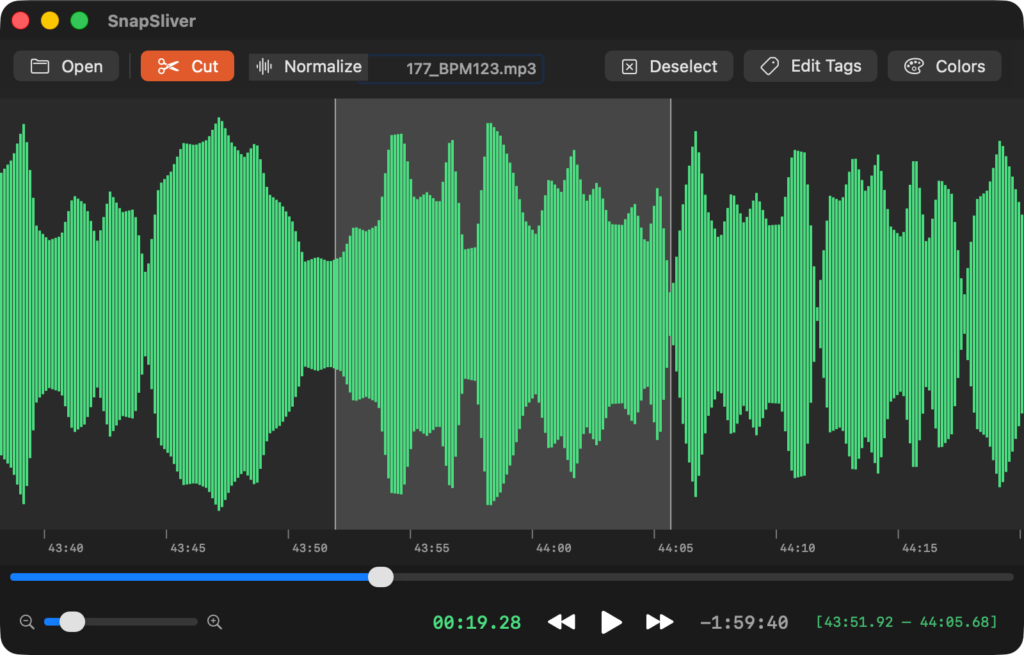
An app designed specifically for cutting out unwanted parts of audio files
(However, if you apply normalization, you will need to re-encode the file.)
Supported File Extensions
“mp3”, “m4a”, “wav”, “aiff”, “aif”
Collection and Use of Personal Information
We do not send files or other information used in the application to outside parties or provide it to third parties. We also do not collect any information at all.
Contact the author
Please send us a note in the comments section below or to the support email address listed in the help section.
Changes to our Privacy Policy
Any changes to the collection and use of personal information as a result of upgrades to this application will be disclosed on this page as appropriate.
1.0.5 (2026.9.1 Submit—Published)
- [Change] We have switched to publishing on the Mac App Store.
- [Fix] We fixed an issue where, when zooming in on a waveform and attempting to select a range to cut with the mouse, the screen would not scroll if the selection reached the edge of the screen while dragging.
1.0.6 (2026.9.7 Submit—Published)
- [Update] We have submitted a request to add Japanese to the localization.
1.0.7 (2026.9.26 Submit—Published)
- [Fix] We fixed an issue where an error sometimes occurred when saving changes to m4a tags.
- [Fix] Fixed an issue where the “Year” field was not displayed when editing MP3 tags.
It’s available on the App Store. SnapSliver
Category: Music
Price: Free